
The best QR code generators with a logo in 2026 are Capy QR for free logo upload with automatic color matching and scan-safe logo placement, QR Tiger if you're bundling logo codes with bulk generation, and Canva when the logo code is part of a larger poster design.
What matters in a logo QR code generator
A logo in the center of a QR code makes it instantly recognizable as yours — but it also covers part of the scannable area, so the generator needs to handle that carefully. Look for three things:
- Scan-safe logo placement— high error correction and a logo size that can't cover too much of the code, so you're not guessing.
- Automatic color matching — pulling colors from your logo instead of manually picking hex codes.
- Free logo upload with no watermark — a branded code shouldn't come with someone else's brand stamped on it.
| Generator | Free logo upload | Live preview | Best for |
|---|---|---|---|
| Capy QR | ✓ Free | ✓ Live preview | A branded, dynamic code with a matched color logo |
| QR Tiger | Paid | ✓ Live preview | Logo codes bundled with bulk generation |
| QRCode Monkey | ✓ Free | ✓ Live preview | A basic logo code, static only |
| Canva | Signup | ✗ Manual check | A logo QR inside a poster design |
1. Capy QR — free, color-matched, scan-safe
Capy QR's editor lets you upload a logo, auto-matches the dot color to it, and keeps the logo scan-safe: it switches to the highest error correction (H), sizes the logo automatically and clears the dots behind it — all free, no signup, no watermark. Add a dynamic code (free account) so the destination stays editable after printing. Start with the QR code generator with logo.
2. QR Tiger — logo codes in bulk
QR Tiger supports logo placement across bulk-generated codes, which suits a business rolling out branded codes across many products or locations at once. It's a paid feature beyond the free trial.
3. Canva — a logo code inside a poster
Canva can generate a basic logo QR and drop it directly into a poster or social graphic you're building. Test any code you make there with a couple of phones before printing at scale.
Build yours in the editor → free QR code generator
Which one should you pick?
- A single branded, scan-safe code, free: Capy QR
- Logo codes across a bulk batch: QR Tiger
- A logo code inside a bigger poster: Canva
A branded code, ready to test
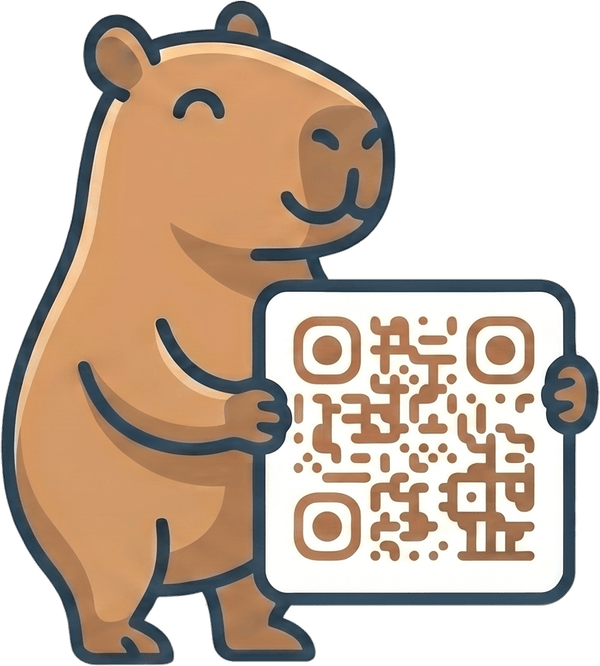
Here's a Capy QR styled with color-matched dots — the logo slot is empty in this sample, but uploading one works the same way:
Frequently asked questions
- What is the best QR code generator with a logo?
- Capy QR is the best free option — it lets you upload a logo, auto-matches the code's colors to it, and places it safely (highest error correction, automatic sizing), all without an account or watermark.
- Does adding a logo make a QR code harder to scan?
- It can, if the logo is too large or the contrast is too low — a logo covers part of the code, and error correction can only recover so much. A generator that sizes the logo for you and switches to the highest error correction, like Capy QR, avoids the worst of it — but always scan a test print.
- How big can a logo be on a QR code before it stops scanning?
- As a rule of thumb, keep a center logo under about 20-25% of the code's area with high error correction enabled. Beyond that, reliability drops — always test the specific code with two different phones before printing at scale.
- Can I match my logo's exact brand colors on a QR code?
- Yes, with a generator that supports custom colors, like Capy QR. You can set dot and background colors manually or use auto-match to pull colors from your uploaded logo.
- Is a logo QR code free to make?
- With Capy QR, yes — logo upload, color matching, and export are all free with no watermark. Some other tools gate the logo feature or the watermark-free export behind a paid plan.
Bottom line: for a branded code that actually scans reliably, Capy QR gives you the logo, the color match, and scan-safe placement for free. Ready to try it? Open the editor or browse more QR guides.